Newspiper

Unfortunately, the project Newspiper is discontinued.
Take a look at our current projects
EASYQUERY
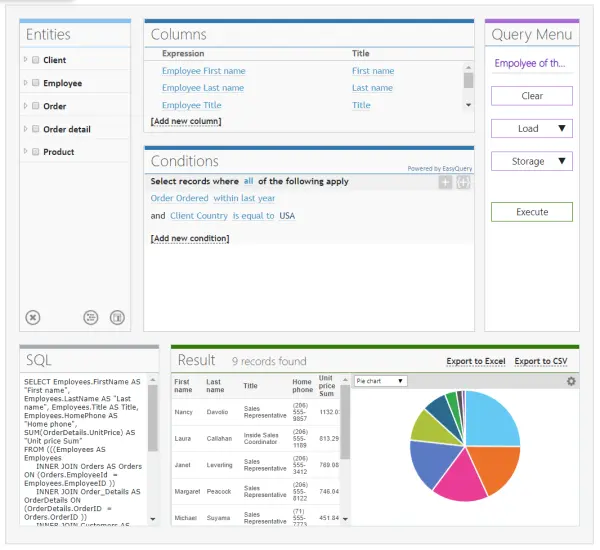
EasyQuery components provide your application with a powerful and easy-to-use interface for visual query building.
Learn More...LOCALIZER

Localizer is a set of Delphi components which make your applications multilingual and helps you to translate your programs to other languages.
Learn More...METRO-UI
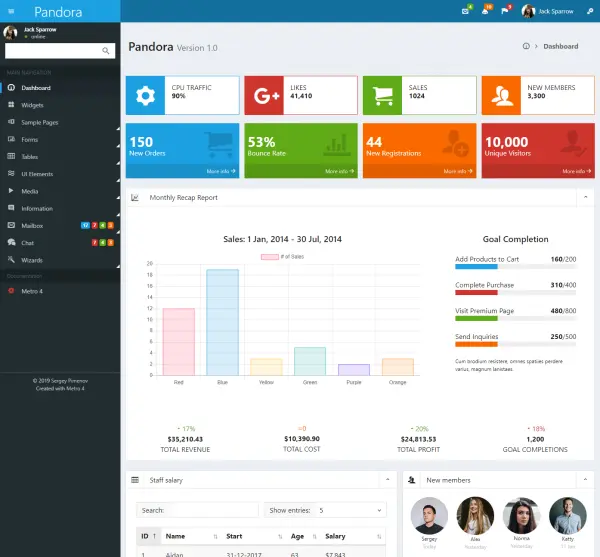
MetroUI is an open-source frontend toolkit inspired by Microsoft Fluent (former Metro) design principles.
Learn More...